New release
Pulse PRO
Reliable long-range performance for your shades.
New release
Pulse PRO
Reliable long-range performance for your shades.

Pulse Pro Hub
The Future of Smart Shade Control with Matter Compatibility
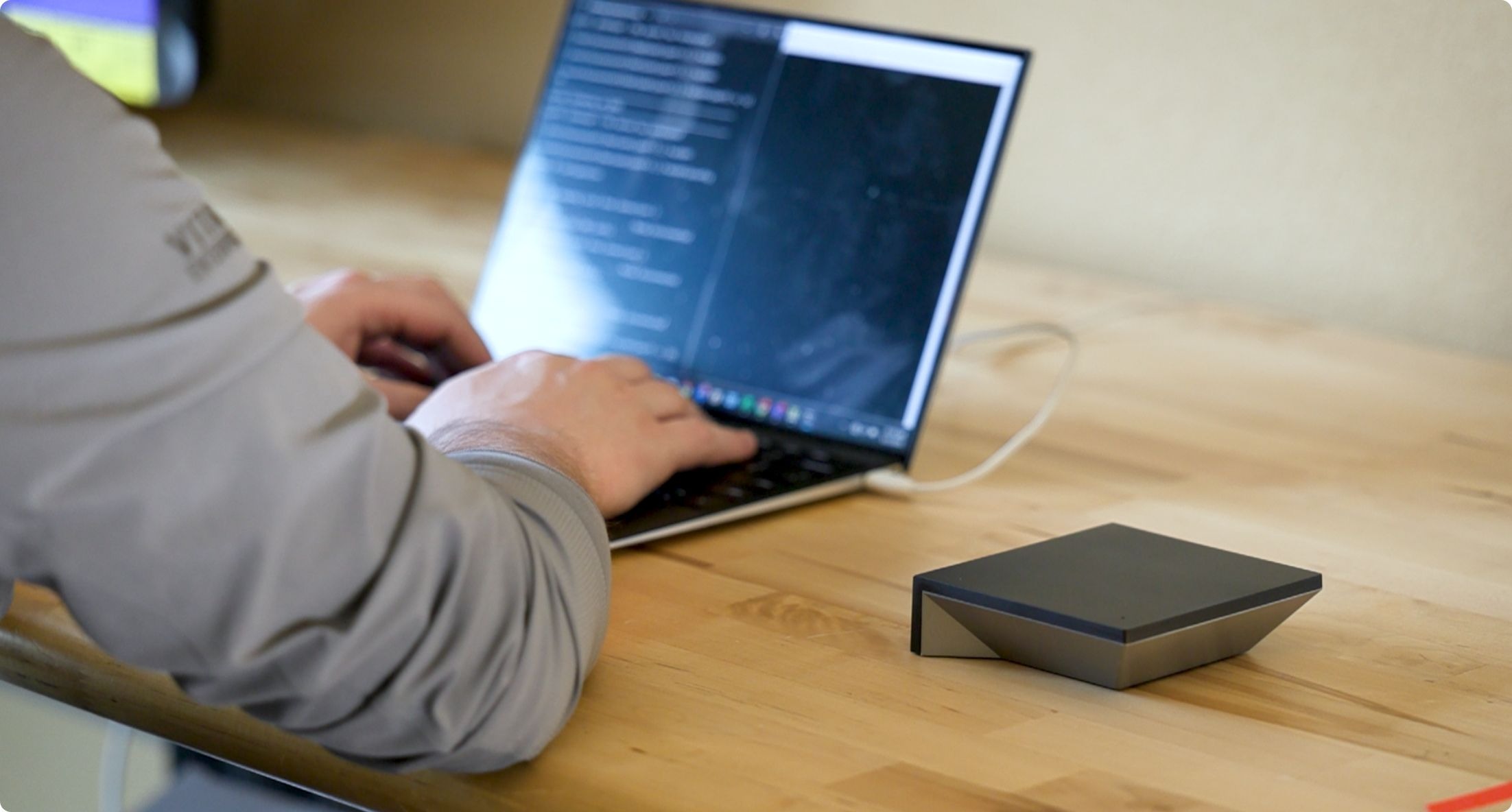
The Automate Pulse PRO hub is the foundation of smart shade automation, delivering reliable, long-range performance and now enhanced with Matter compatibility for next-level smart home integration.
Paired with the Automate Shades App, Pulse PRO empowers you to control and automate all ARC motors from your smart device effortlessly. Set personalised scenes, activate timers, and adjust your shades with precision.
Smart Control Options
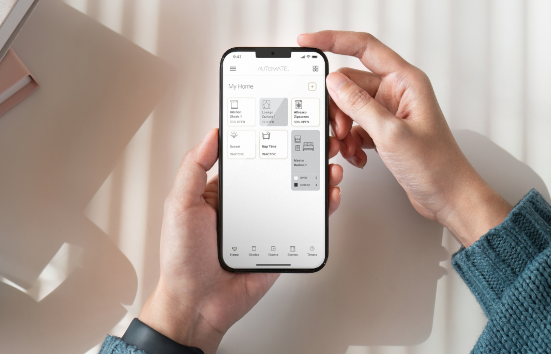
App Control
The latest Automate Shades App offers seamless shade control from any smartphone or tablet. Personalise your shade routines by organising them into rooms, creating custom scenes, and setting timers.
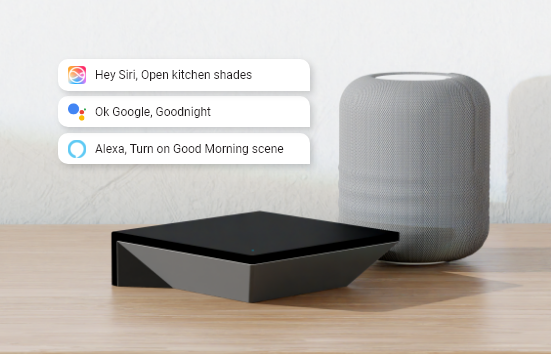
Voice Control
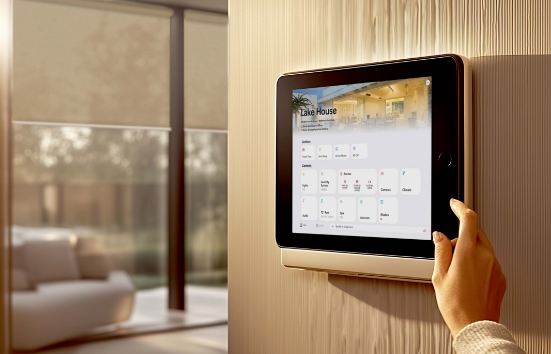
Smart Home Integrations
Matter Compatible
Revolutionising Smart Home Integration
Reliable and secure coverage
Pulse PRO offers complete, reliable control of your home’s motorised shades with a powerful signal that reaches up to 30 meters. A single Pulse PRO will cover an average-sized 325 m² home, even across multiple stories, without the need for additional hubs.
Features
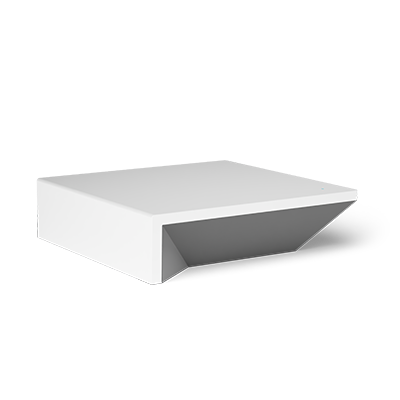 Pulse 2 |
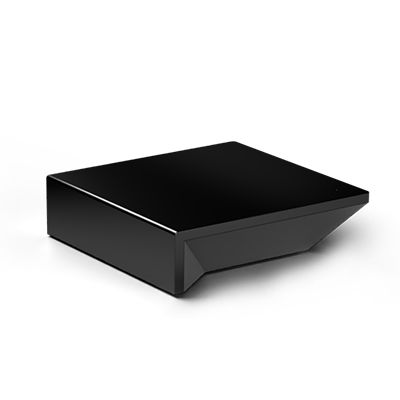 Pulse PRO |
|
|---|---|---|
| Product Code | MT02-0401-067001 | MT02-5401-050001 |
| Range | 20–30 m | 30 m reliable |
| Provisioning | Wi‑Fi (2.4GHz), Ethernet | Wi‑Fi (2.4GHz), Ethernet |
| Matter Compatible | ✕ | ✓ |
| ARC Communication | ✓ (2‑way) | ✓ (2‑way) |
| Simultaneous Group Control | ✕ | ✓ |
| Battery Level Feedback | ✓ | ✓ |
| Current Shade Positioning | ✓ | ✓ |
| No. of Shades Supported | 30 | 30 |
| No. of Groups | 30 | 30 |
| No. of Timers | 20 | 20 |
| No. of Scenes | 20 | 20 |
| Warranty | 7 Years | 7 Years |
Resources
Brochure | Pulse PRO
Brochure | Pulse PRO
Set Up Guide | Pulse PRO
Matter Certification
Set Up Guide | Savant Pulse PRO
Set Up Guide | Crestron Home Pulse PRO
Set Up Guide | Control4 Pulse PRO
Set Up Guide | RTI Pulse PRO
Set Up Guide | HomeSeer Pulse PRO
Set Up Guide | Elan Pulse PRO
Set Up Guide | URC Pulse PRO
FAQs
What ecosystems are supported by my Matter device?
Your Matter device is compatible with all Matter-supported ecosystems, including:
- Apple Home
- Google Home
- Amazon Alexa
- Samsung SmartThings
- And other Matter-compliant platforms.
How do I update my Pulse PRO?
Updates are typically delivered automatically over-the-air (OTA) through your smart home app. Ensure your device is connected to the internet and check for updates in the app settings.
Can I use my Pulse PRO without an internet connection?
Yes, Matter devices support local control, meaning they can function within your home network without an internet connection. However, remote access and some advanced features may require an active internet connection.
How do I reset my Pulse PRO?
To reset your device:
- Locate the reset button (refer to the user manual for its location).
- Press and hold the button for 10 seconds or until the device’s indicator light flashes.
- The device will reset to factory settings and can be set up again.
Do I need a Matter-enabled smart speaker to use voice control with Pulse PRO?
Yes, the Pulse PRO Hub requires a voice assisted Matter-enabled speaker (e.g., Apple HomePod, Google Nest Hub, or Amazon Echo with Matter support) to enable voice control through Alexa, Google Assistant, or Apple HomeKit. Without a Matter Hub, voice control will not work.
Can I control multiple shades at once using voice commands?
Currently, group control (e.g., “Open All Shades” or “Close All Shades”) is not supported via voice control with Matter. Users must create custom routines or groups in their respective voice control apps (Alexa, Google Home, or Apple HomeKit) to control multiple shades simultaneously.
Does Matter support scenes or room controls for Pulse PRO?
No, Matter does not automatically pull scenes, or room controls into third-party voice control apps. Users must manually create scenes or groups in their preferred app (e.g., Alexa, Google Home, or Apple HomeKit) to control shades in specific rooms or scenarios.
Is the Shared Hub functionality available on Pulse PRO?
No, the Shared hub functionality is not yet available on the Pulse PRO hub. This has been added to the back log of future updates.
How do I set limits for my shades with Pulse PRO?
It is recommended that motor limits are set using a remote control prior to pairing with Pulse PRO hub.
Why can’t I see battery level and signal strength on the main shade screen in the app?
The battery level and signal strength have been moved to the Shade & Health section which can be found by navigating through the hamburger menu in the top left corner.
What should I do if my shade stops communicating with the Pulse PRO hub?
- Check the Shade Health section in the app for troubleshooting guidance.
- Ensure the shade’s battery is charged and the antenna is properly deployed.
- If the issue persists, follow the app’s instructions for further troubleshooting or motor replacement.
Independently Tested.
Proven Performance
We partnered with Novus Labs, an independent, accredited testing provider, to validate the reliability of our new Pulse Pro hub in a real-world smart home environment.